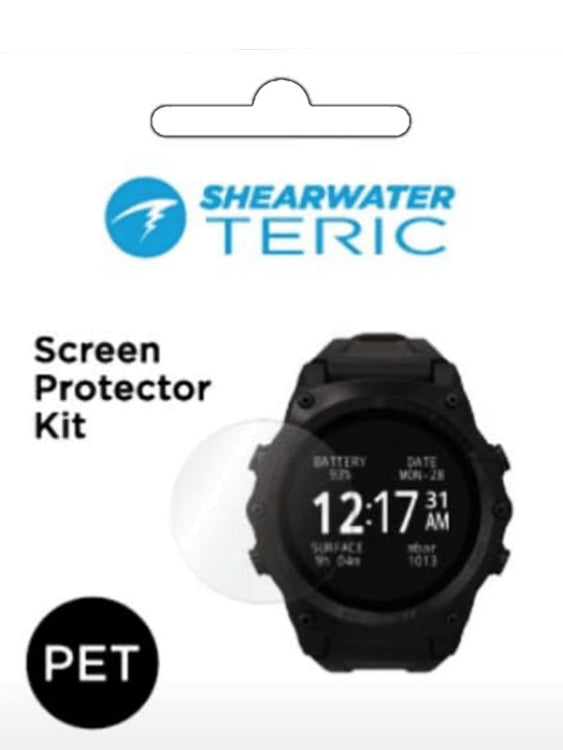
Protect your investment with the Shearwater Teric Screen Protector Kit, designed to safeguard your dive computer from everyday wear, scratches, and impact. This high-quality protective film is engineered specifically for the Shearwater Teric, preserving the crystal-clear display while maintaining full touchscreen functionality and visibility underwater.
Easy to apply and ultra-thin, the screen protector seamlessly adheres to the Teric’s surface without interfering with your dive experience. Whether you're exploring wrecks or navigating reefs, you can trust your Teric remains protected and looking like new.
Key Features
- Custom-designed for the Shearwater Teric dive computer
- Peel and stick clear display protection film
-
Scratch-resistant film protects against everyday wear and minor impacts
- Maintains full touchscreen sensitivity and underwater visibility
-
Easy application with bubble-free finish
-
Ultra-clear material preserves the screen’s colour and brightness
- Ideal for divers who want to extend the life of their dive computer screen
Kit includes:
- 1x PET Screen protector
- Microfiber cloth
- Dust absorber sticker
- Dry/wet wipes
- Squeegee
How to install:
- After washing your hands, pre-position the screen protector to the Teric (adhesive side downward).
- Clean the screen of your dive computer with wet wipes followed by the dry wipes, then clear the remaining liquid with the microfiber cloth.
- Clean the dust on the screen with the dust absorber sticker.
- Peel off the protective film from the PET screen protector.
- Press the center of the PET screen protector and remove the tiny air bubbles by gently pushing outwards with the squeegee from the center (Allow 1 - 2 days for the smaller bubbles to fully disappear).
IMPORTANT NOTE:
Must clean the dust on the screen and apply it in a dust free room. If there are air bubble spots and the section is not adhering, you will need to gently peel off the screen protector carefully and reinstall it.
CAUTIONS:
Repeated removal of the PET screen protector may cause it to lose its adhesiveness, During application, excessive force may cause damage to the PET screen protector.